
Order to close the case
Case closed. Sites — open
- System
- Windows 10 and 11, 64-bit
- License
- GPL-3.0, open source
- Price
- Free, no sign-up
- Verify
- SHA-256 on the release page
CASE v0.2.1 · digital-bypass
It finds out why a site won't open and turns on what helps: zapret2, a bypass proxy that needs no admin rights, your own Xray servers, Tor with bridge discovery and a Telegram proxy.

01 How it works
Your ISP sees which site you're connecting to from the very first packet — the ClientHello. digital-bypass splits it so the filter can't put the name back together, while the site still can.
Without bypass
With digital-bypass
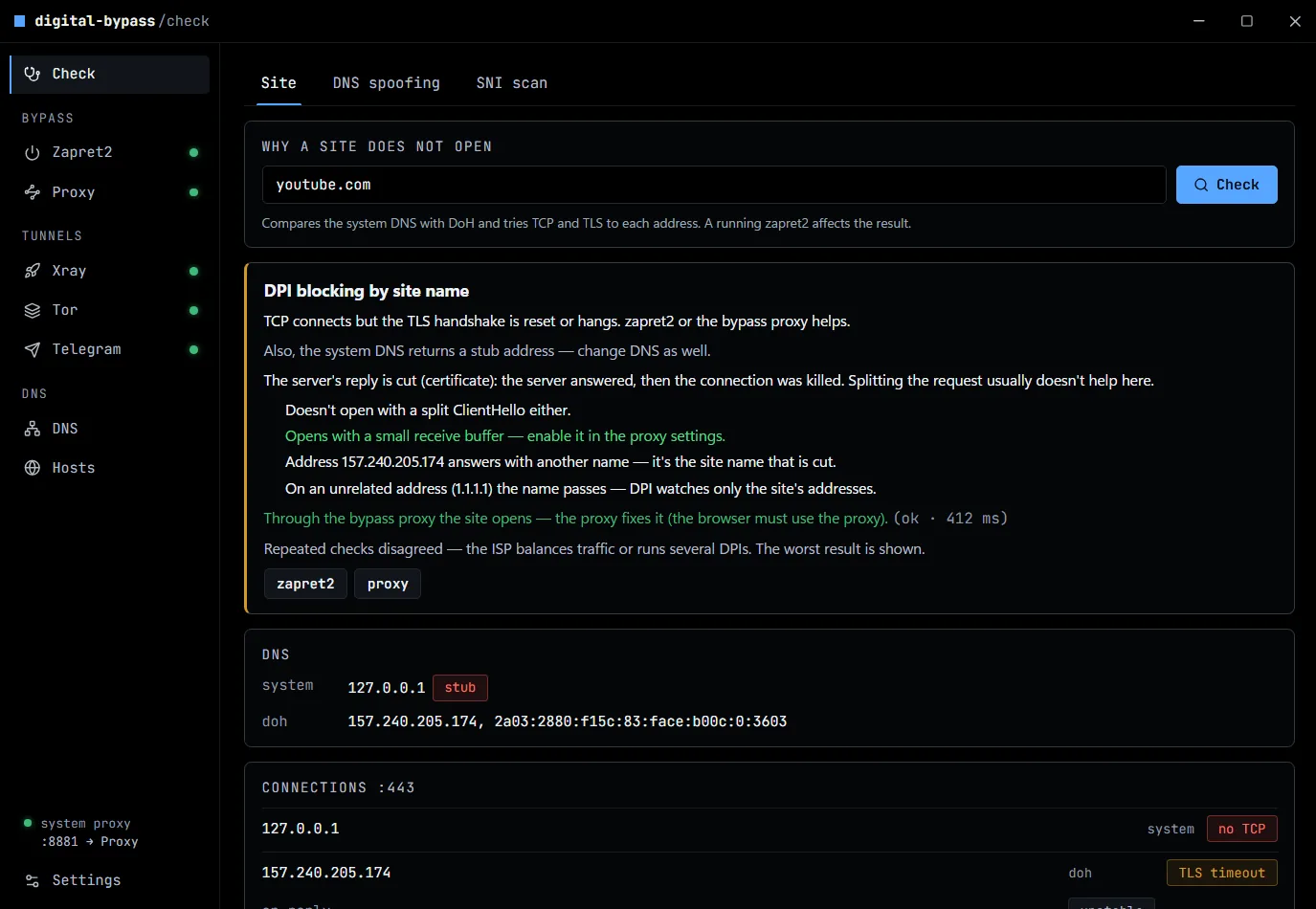
In a few seconds the Check tab shows the cause: DNS spoofing, DPI on the site name, or an IP block.
Under the verdict are buttons for the right modules: zapret2 or the proxy for DPI, Xray or Tor for IP blocks.
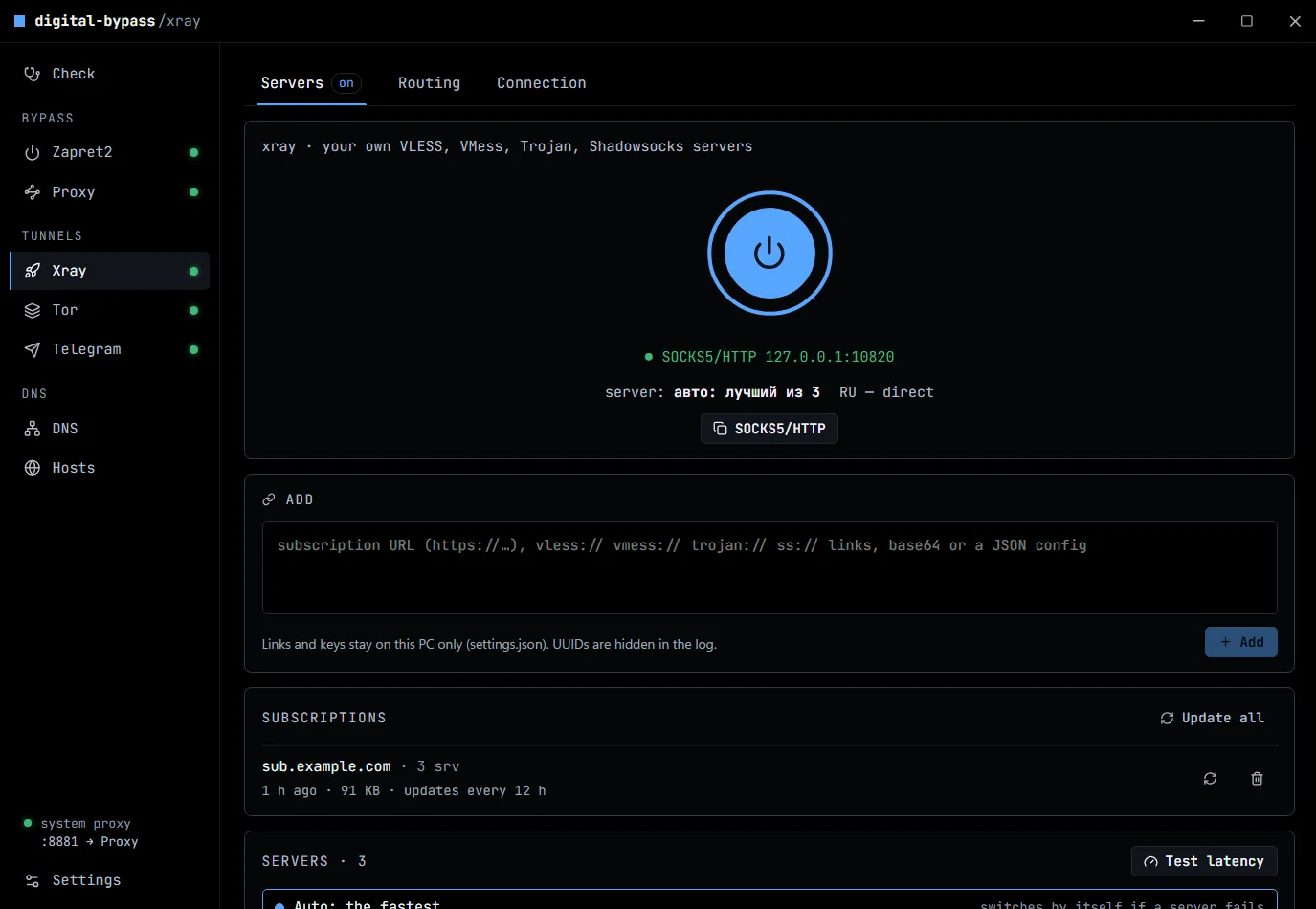
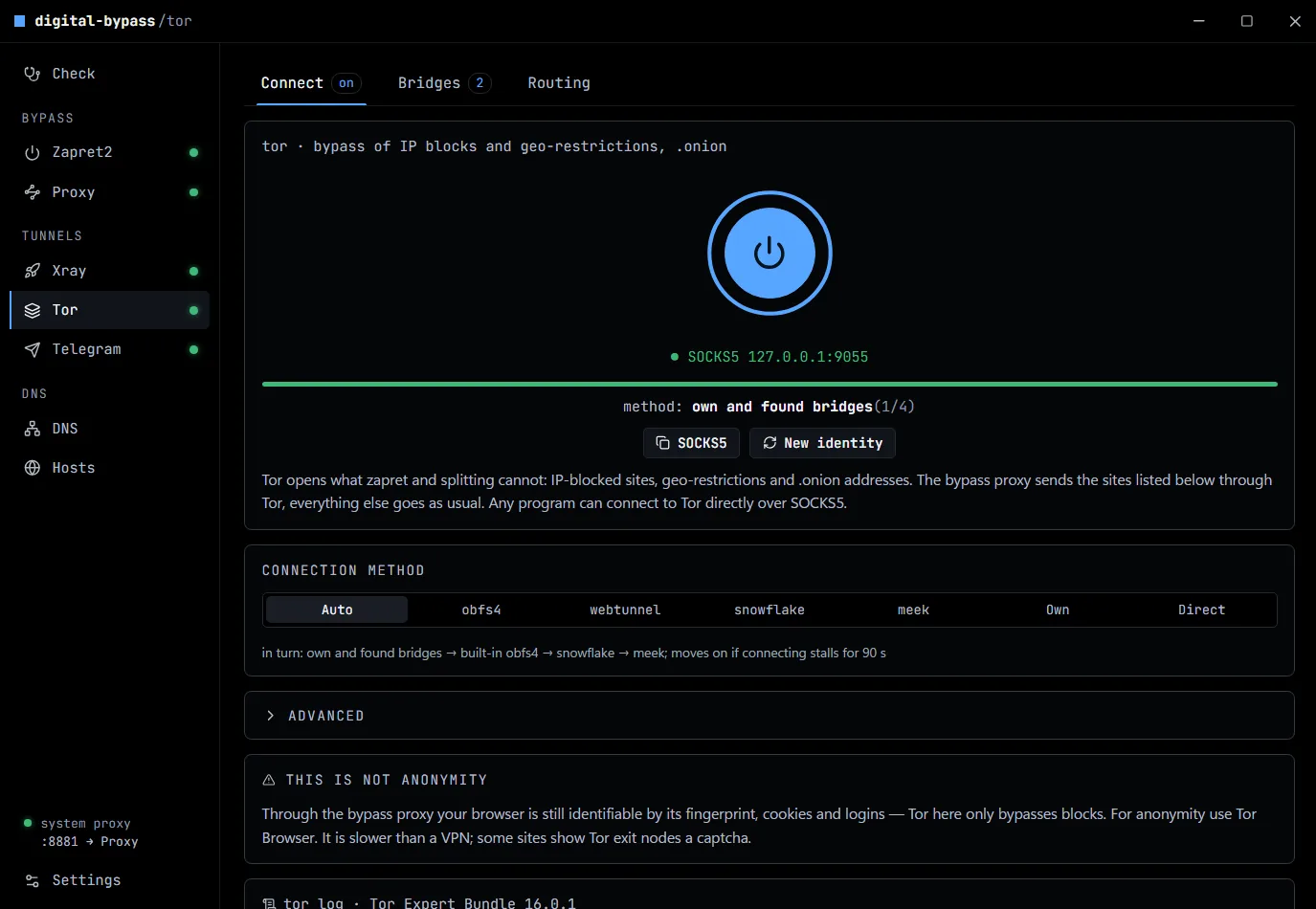
Dots in the sidebar show what's running. Russian sites go direct in Xray and Tor.
02 Modules
Each module handles its own kind of blocking. Not sure which one you need? Start with Check.
Case 01
Compares DNS with DoH, tries TCP and TLS to every address and tells you exactly what's blocked — and what will help.
Case 02
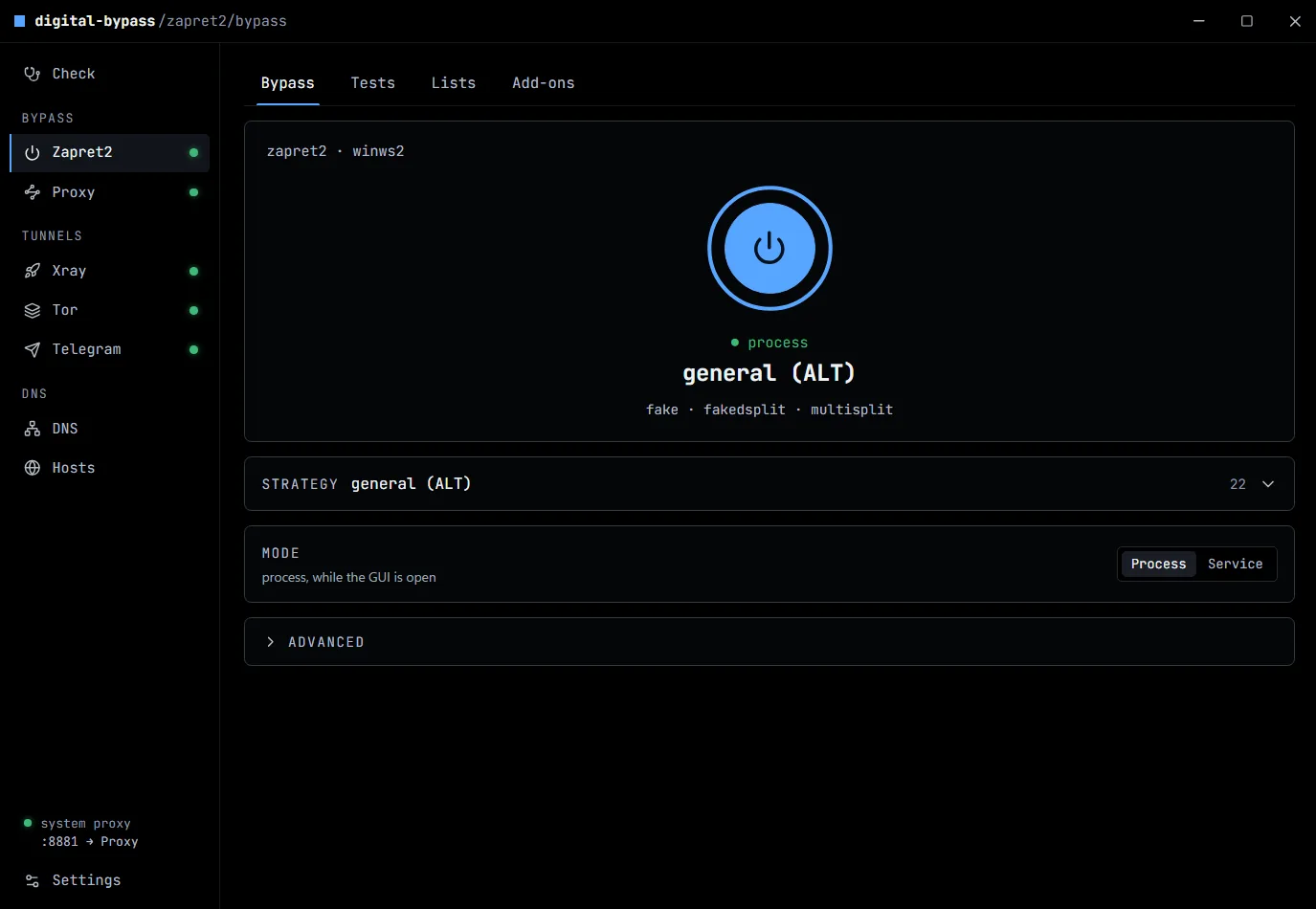
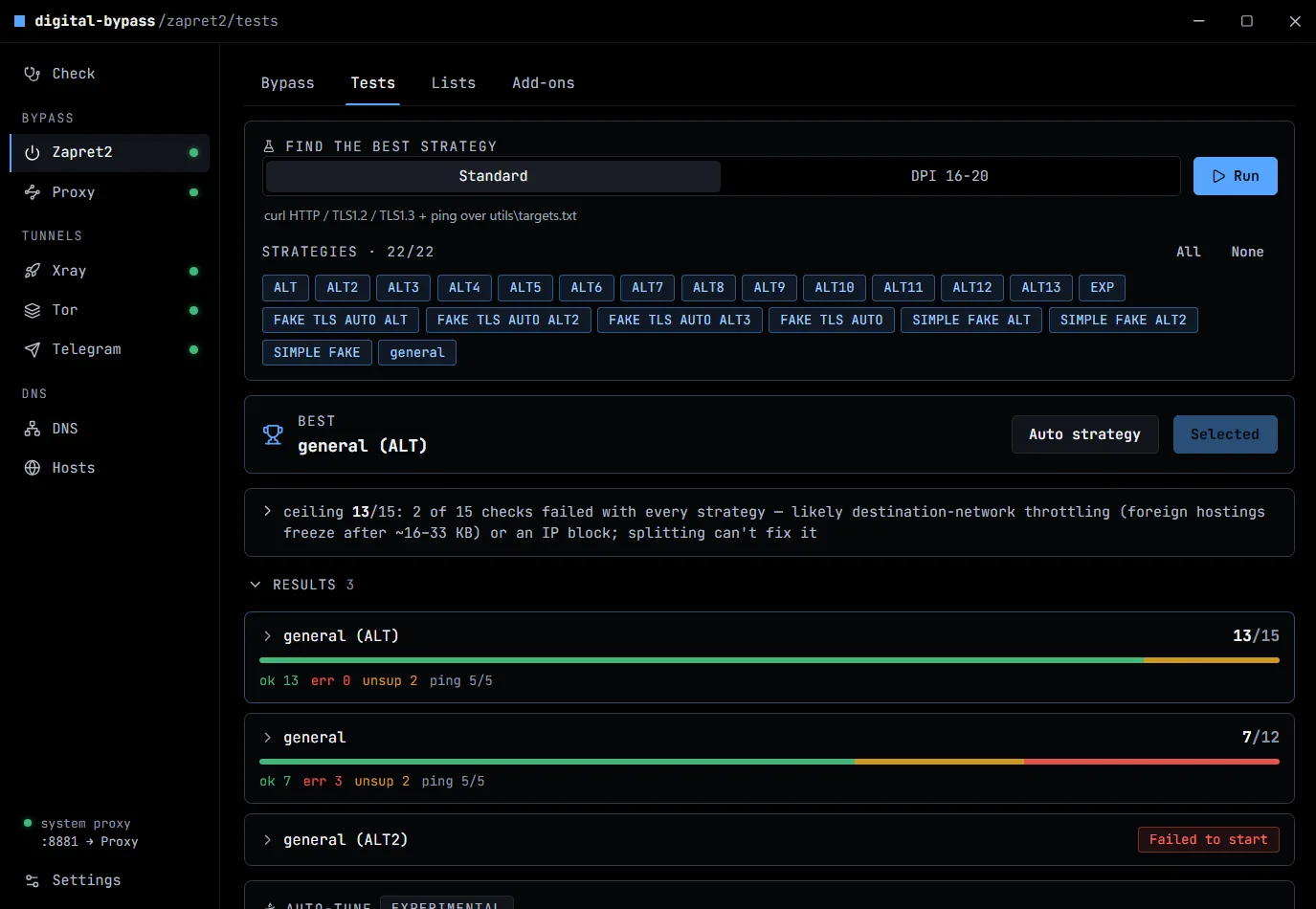
One-click DPI bypass via WinDivert, strategy tests for your sites and auto-tune. Works for every app, including games and Discord voice.
Case 03
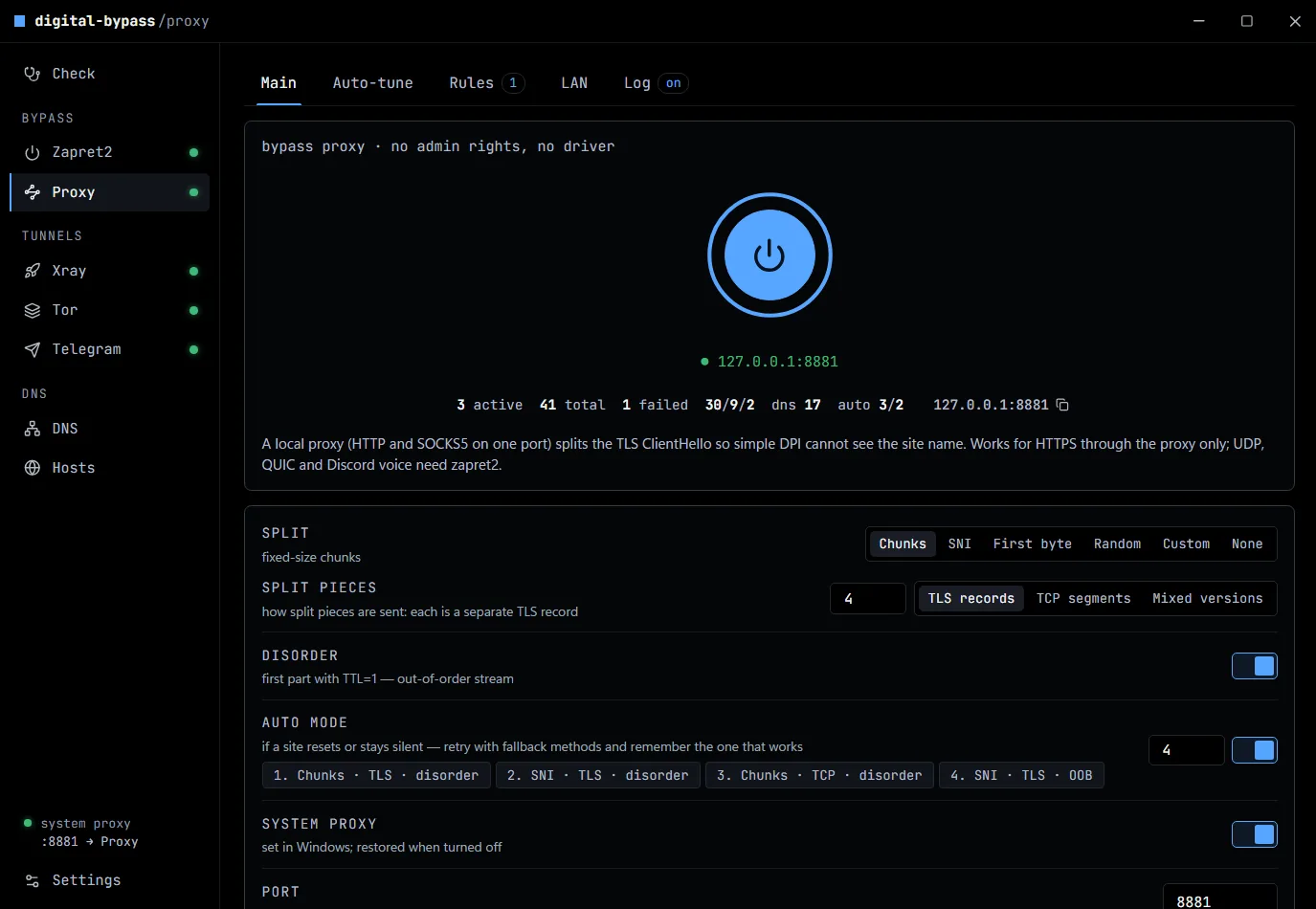
Splits the ClientHello so DPI can't see the site name. No admin rights, no driver.
Case 04
Your own VLESS, VMess, Trojan and Shadowsocks servers and subscriptions. Russian sites go direct.
Case 05
For what's blocked by IP. Finds working bridges on its own and keeps Snowflake fresh.
Case 06
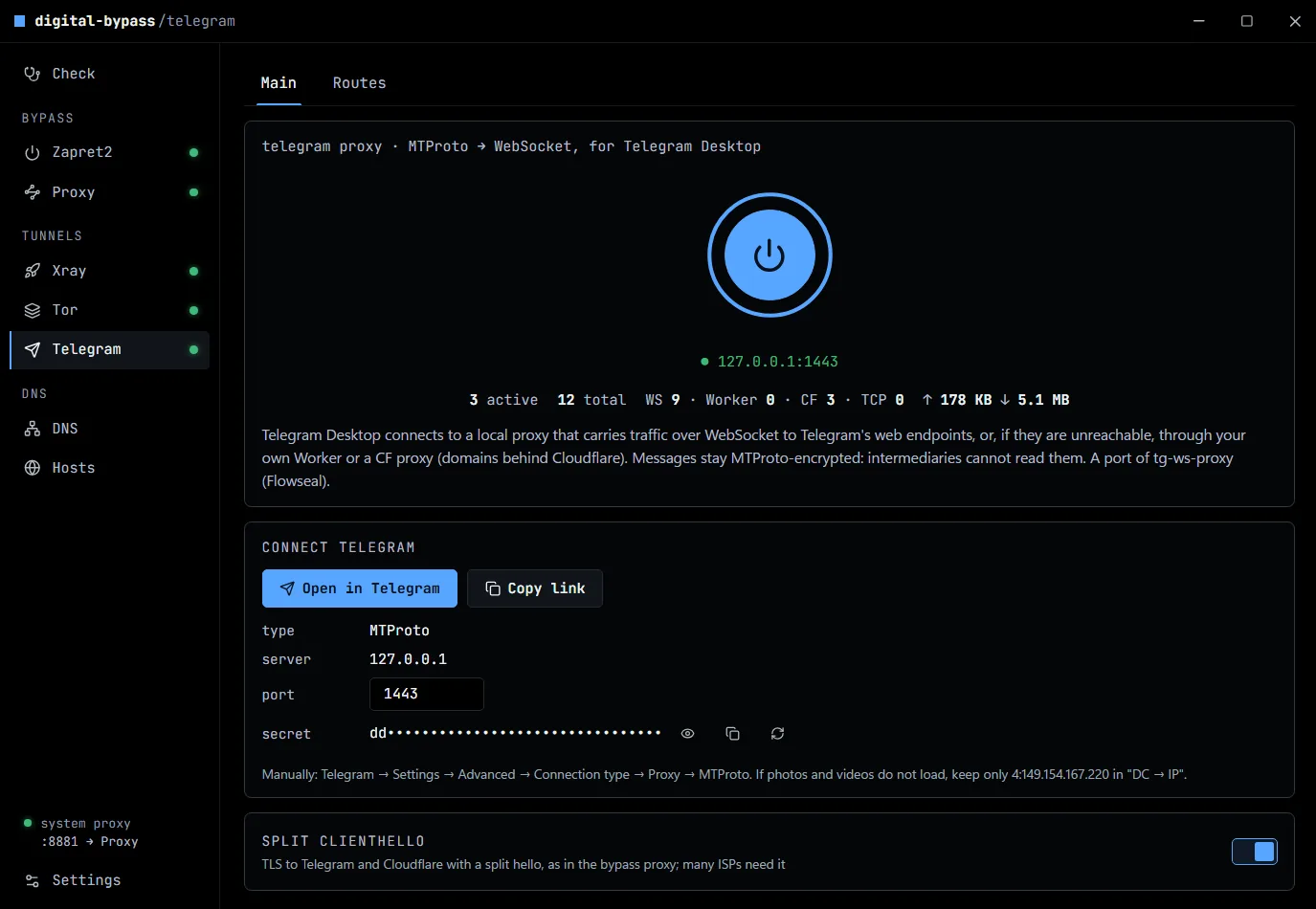
A proxy for Telegram Desktop over WebSocket, with Cloudflare or your own Worker as a fallback.
Case 07
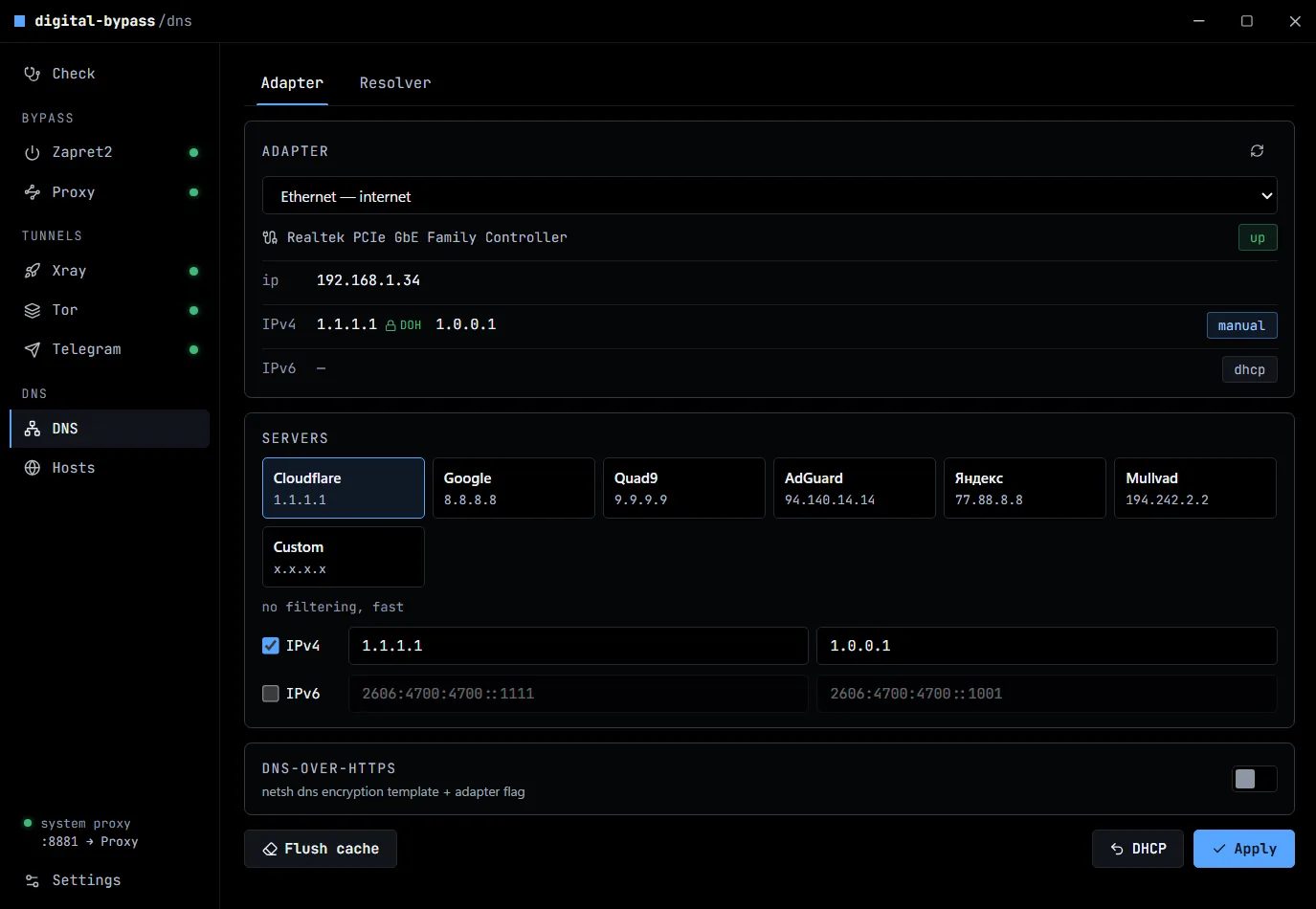
Switch DNS in two clicks, turn on DNS-over-HTTPS and check whether your ISP spoofs answers.
Case 08 new
An MCP server: Claude or Cursor checks the site and picks a strategy for you. If something breaks, it rolls back on its own.
03 For AI fans
The built-in MCP server gives Claude, Cursor and other assistants real tools: diagnostics, strategy search, and control over the proxy, Tor and Xray. It's off by default and only listens on this computer.
04 Screenshots
05 Transparency
All the code is on GitHub under GPL-3.0. Forks and derivatives stay open too.
GitHub Actions builds the installer from source, and every release ships with SHA-256 checksums.
No binaries in the repo: they're downloaded from the Tor Project and XTLS at build time and verified by hash.
06 FAQ
Not quite. zapret2 and the bypass proxy don't route your traffic through someone else's server — they only keep DPI from learning which site you're visiting, so your speed doesn't drop. For IP blocks there's Xray with your own servers, and Tor.
For zapret2, DNS changes and hosts — yes: the WinDivert driver and system settings require them. The bypass proxy, Xray, Tor and the Telegram proxy work without them.
The app ships winws2.exe, the WinDivert driver, tor.exe and xray.exe — files like these often get flagged out of habit. Each one can be checked against its original source: links and checksums are in the README.
It shouldn't. In Xray and Tor, Russian sites go direct by default, and zapret2 and the proxy only touch the sites on their lists. If a site breaks, add it to the exclusions.
Nothing. No ads, no sign-up. Xray servers are your own or from a subscription you pick yourself.
Order to close the case